


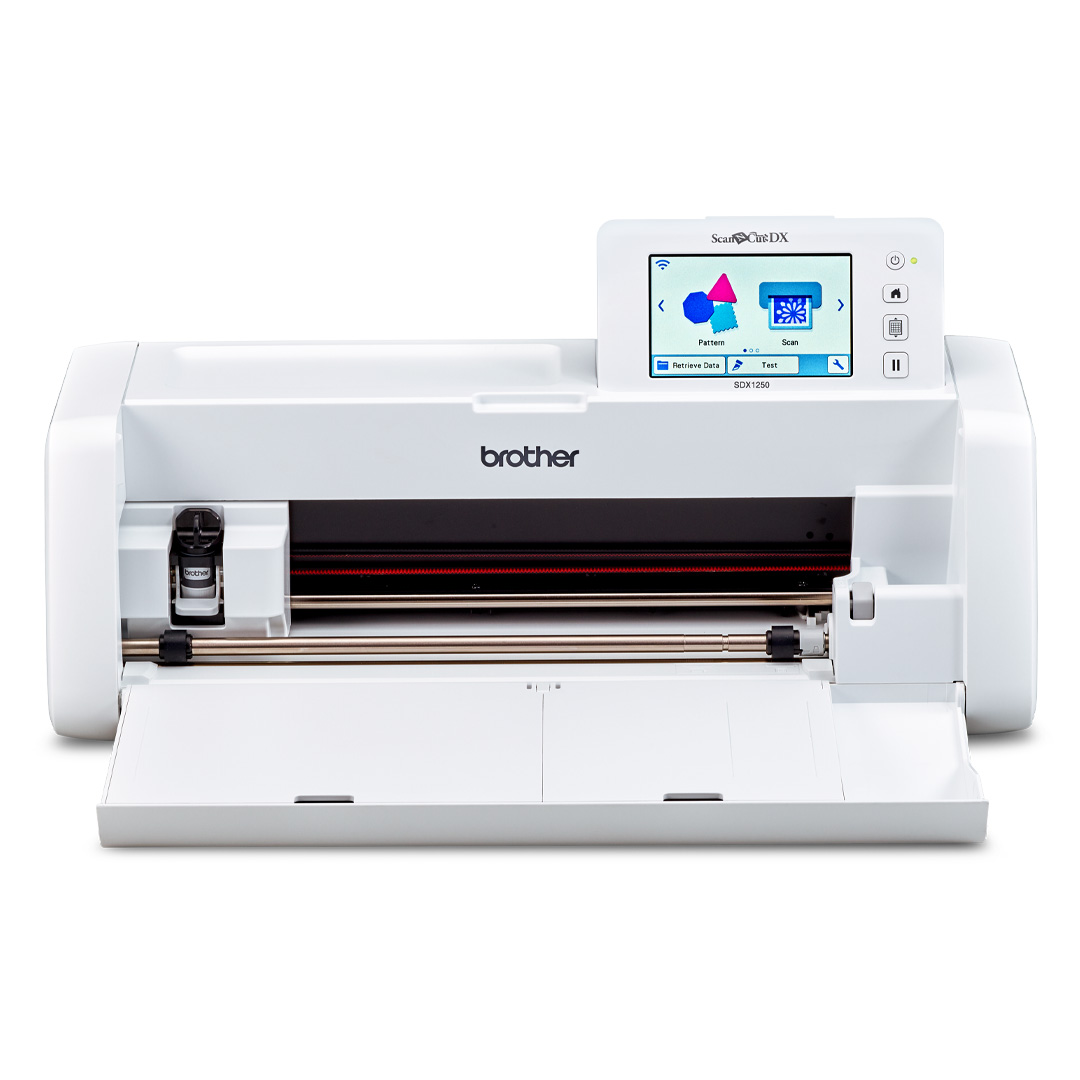

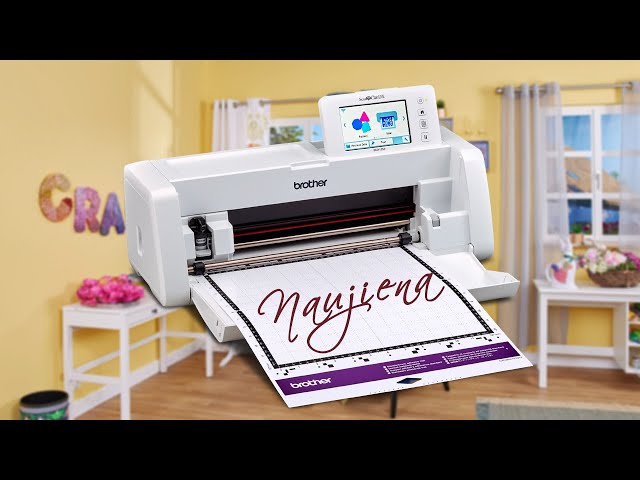
Brother ScanNCut SDX1250 Scanning and Cutting Machine
Equipment type: Scanning and cutting machine
Brand: Brother
Free software: CanvasWorkspace
Free delivery across Lithuania!


Brother ScanNCut SDX1250 Scanning and Cutting Machine
Give your hardworking hands a rest with the ScanNCut DX SDX1250. Simply use the built‑in 600 dpi scanner to scan any image, photo, or hand‑drawn sketch, and this professionally engineered device will automatically cut the desired shapes or outlines.
 |
Built‑in scanner Scan virtually anything: drawings, magazine clippings, your precious photos, and more. Create countless cutting and drawing patterns and save them in the machine’s memory. |
| 600 dpi scan to USB Scan and save your images in JPEG format directly to a USB stick using the built‑in port. Scan your favorite photos, drawings, or large patterns in the large scanning area. |
|
| Scan for cutting data Scan, modify, and create your own patterns. Save and use them for cutting, drawing, embossing, foiling, or paper piercing. ScanNCut automatically creates cutting lines that can be used for cutting, drawing, or embossing. *Premium functions must be purchased separately. |
| Cut materials up to 3 mm thick Cut thicker materials such as felt and foam up to 3 mm. The new 3 mm blade gives you the freedom to explore various materials – all with one universal blade. |
 |
| Blade sensor technology Thanks to the automatic blade system, there is no guessing. The ideal cutting depth and pressure are set automatically. For even better results, you can adjust the settings manually. Perfect cuts every time. |
|
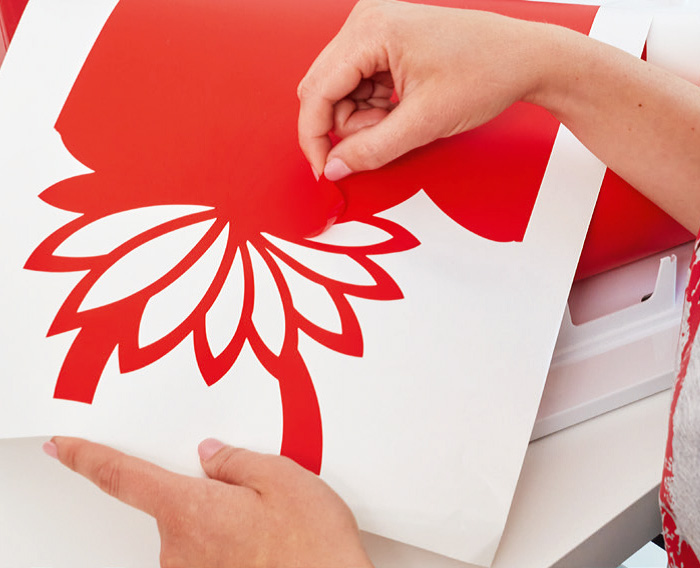
| Direct cut and half‑cut Scan your material, create outer cut lines, and select your pattern directly from the surface for cutting. Eliminate the hassle of manually cutting patterns from your favorite papers and fabrics. Also perfect for cutting custom stickers using the convenient half‑cut function. |
 |
| Automatic blade for thin fabric Specially designed for precise cutting of fabric for quilting and appliqué.Seam allowance and sewing guidelines Add seam allowance in quarter‑inch increments to make pattern cutting easier. |
Background scanning
Use small and irregular pieces of fabric and cardboard. With the background scan function, you can place your pattern exactly on your scraps, saving incorrect cuts, time, and money.
Standalone device
Create and modify your patterns. Thanks to the extra‑large touchscreen, it is easier than ever to edit, enlarge, and customize without using a computer or mobile device.
Built‑in patterns and fonts
With fonts and built‑in patterns, including quilting designs, SDX ScanNCut has something for every person, project, and occasion. Choose from basic shapes, intricate patterns, borders, quilting blocks, fonts, and more.
| Wireless connection Send patterns directly from your free CanvasWorkspace account. No cables or USB sticks needed. |
|
| SVG file reading Reads SVG files directly – no conversion required. More time for creativity, less time for converting. |
Pen drawing*
With ScanNCut, you can convert a cutting file – whether from a scanned image or a built‑in pattern – and recreate it as a drawing in seconds by selecting fill patterns.
*Pen holder or universal pen holder must be purchased separately.
Fabric cutting*
Calling all quilters! Cut perfect quilt pieces with one button press. ScanNCut can even enlarge or reduce seam allowance so you can spend time on what you truly enjoy – creating.
*High‑tack support sheets and thin‑fabric blade must be purchased separately.
Roll‑feed cutting without a mat*
With the roll feeder function, you can now load and cut sticker material from a roll without using a mat.
*Roll feeder must be purchased separately. CanvasWorkspace (PC or Mac version) must be installed when using the roll feeder function.
| Useful information | |