


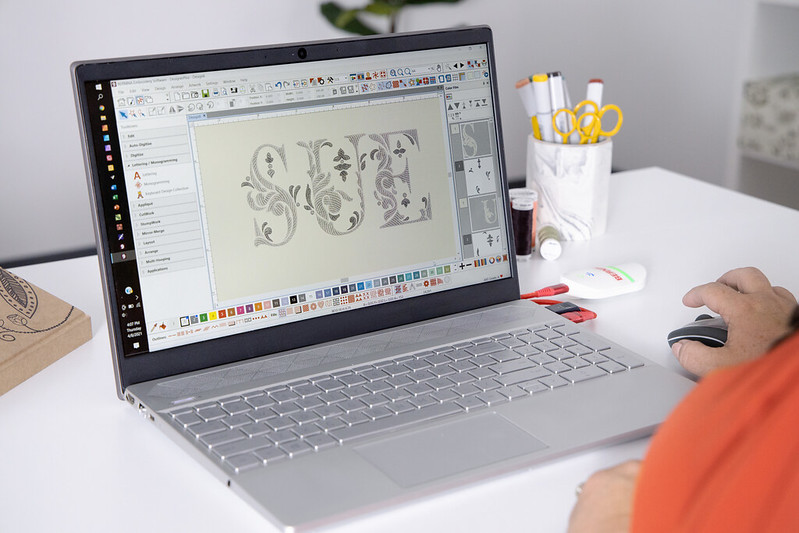
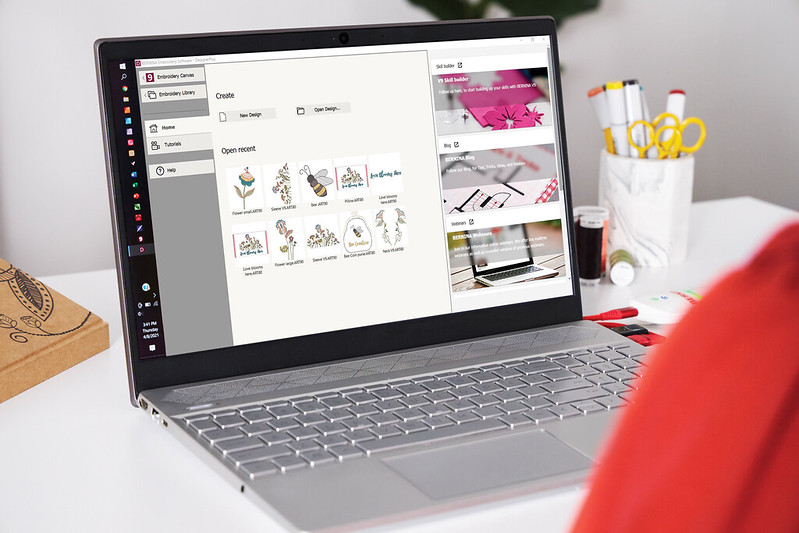
Embroidery software BERNINA Embroidery Software 9 (Full Version)
Equipment Type: Software designed for embroidery
Brand: Bernina


Embroidery software BERNINA Embroidery Software 9 (Full Version)
With WIFI device
Output Formats:

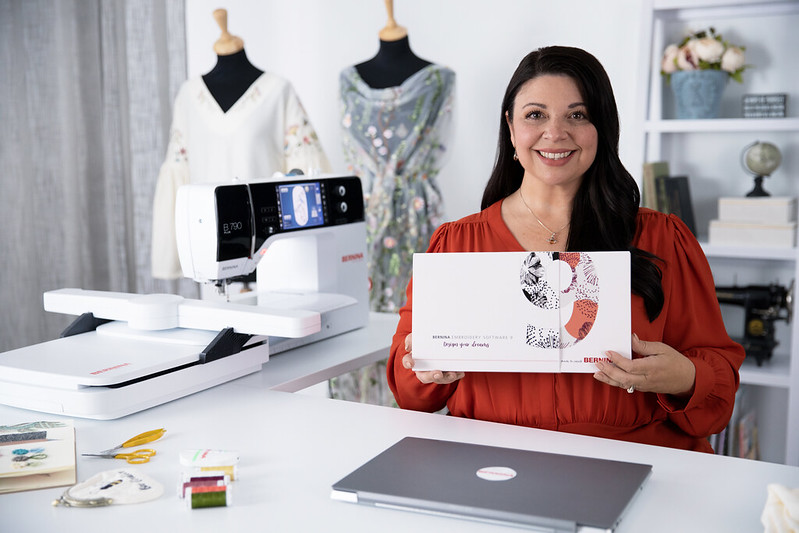
Create your dreams with BERNINA Embroidery Software 9!
BERNINA Embroidery Software 9 is the latest software, suitable for both professionals and beginners. This program opens the door to exceptional and creative embroidery.
Version 9 supports a new Wi-Fi feature (device sold separately). The BERNINA Wi-Fi device is designed to wirelessly transfer your embroidery designs directly from your computer to the embroidery machine. All you need is a USB-compatible embroidery machine and a Wi-Fi network.
BERNINA Embroidery Software 9 Full – your perfect tool for designing embroidery.
|
 |
|
 |
|
 |
|
 |
|
 |
|
 |
|
 |
|
 |
|
 |
|
 |
|
 |
|
 |
|
 |
Try it now for 30 days at no cost
The proof of the pudding is in the eating: try it for yourself and discover the features of the BERNINA Embroidery Software 9. Download your fully functional trial version and digitize new creative designs. The software is compatible with all BERNINA embroidery machines.
Download the free trial version
 |
System Requirements – Recommended
CPU: Intel® Core i5/7 processor or AMD Ryzen 5/7
Operating system: Microsoft® Windows® 10 (64-bit Edition) with latest Updates
Memory: 16 GB
Monitor: 1920 x 1080 screen resolution
USB port: Required for software installation, transfer of designs and configuration of WiFi Device
Sound card: Required for online video help
Internet connection: For product activation and registration
 |
 |
 |
 |
 |
 |
Basic Features
| Feature | Bernina 9 Full | Creator 9 | Trial Version |
|---|---|---|---|
| Compatible with Windows 10/11 | Yes | Yes | Yes |
| Mac with Boot Camp & Windows 10/11 | Yes | Yes | Yes |
| New Home Screen | Yes | Yes | Yes |
| Online Help Guide | Yes | Yes | Yes |
| Automatic Updates | Yes | Yes | Yes |
| CorelDRAW Included (SE 2021) | Yes | No | No |
| BERNINA Cross-Stitch Program | Yes | No | Yes |
| BERNINA Quilting Embroidery Program | Yes | No | Yes |
| Built-in Embroidery Designs | 930 | 384 | 45 |
| Easy Sign-in/Sign-out from Different Computers | Yes | Yes | No |
| Multi-Hooping | Yes | No | Yes |
| Embroidery Library with Search | Yes | Yes | Yes |
Lettering and Monograms
| Feature | Bernina 9 Full | Creator 9 | Trial Version |
|---|---|---|---|
| Built-in Embroidery Fonts | 104 | 60 | 11 |
| Collectible Keyboard Design Fonts | 5 | No | No |
| 3D Fonts (Puffy) | Yes | Yes | Yes |
| TrueType & OpenType Font Support | Yes | Yes | Yes |
| Single Letter Editing | Yes | Yes | Yes |
| Initial Letter Options / Shapes | 6 | 6 | 6 |
| Automatic Kerning | Yes | Yes | Yes |
| Create Your Own Font | Yes | No | Yes |
| Recent Fonts Display | Yes | Yes | Yes |
| Size Recommendations | Yes | Yes | Yes |
| Monogram Templates (1–3 letters) | Yes | Yes | Yes |
Editing Features
All versions include tools for design resizing, combining, shape changes, mirror merging, crown/kaleidoscope functions, array/reflection, hole fill, knife tool, and welding tool—though Trial has some limited functionality.
Stitches, Effects, and 3D Techniques
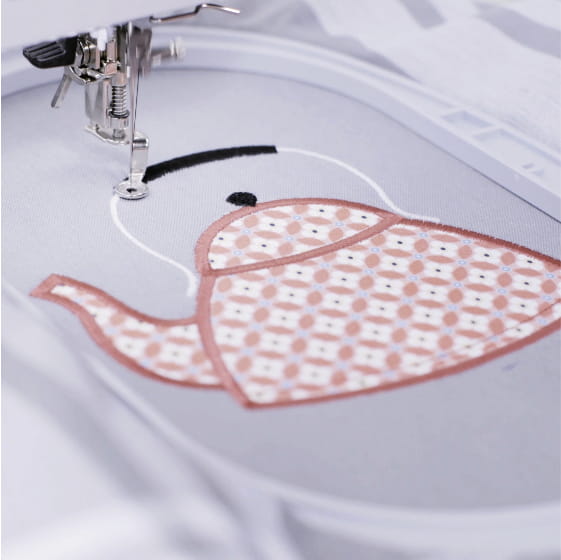
Bernina 9 Full offers the most comprehensive set with 3D textures, sculpting, blending, gradients, Trapunto, PunchWork, Couching, CutWork, and appliqué functions. Creator 9 and Trial support some of these features, but fewer custom or advanced options.
Artwork Design
| Feature | Bernina 9 Full | Creator 9 | Trial Version |
|---|---|---|---|
| Integrated Designs | 497 | 172 | 24 |
| Supports Graphic Formats | Yes | Yes | No |
| Quick Trace Function | Yes | No | No |
| Artistic Brushstrokes | Yes | No | No |
| Content Merge | Yes | No | No |
| Point Merge | Yes | No | No |
| Picture Effects | Yes | No | No |
Digitizing
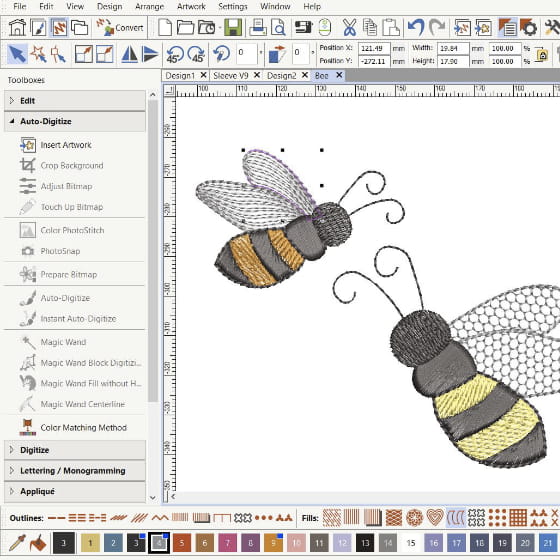
All three versions support automatic and manual digitizing tools, freehand embroidery tools (except Creator 9), shape tools, Magic Wand, PhotoSnap, and Color PhotoStitch.
Design Transfer
All versions allow USB and ADX connection to machine, with added support for WiFi if a BERNINA WiFi device is used (not included in any package). Designs can be saved/exported in various formats and organized with separate folders for designs, machine files, and cutting files.