
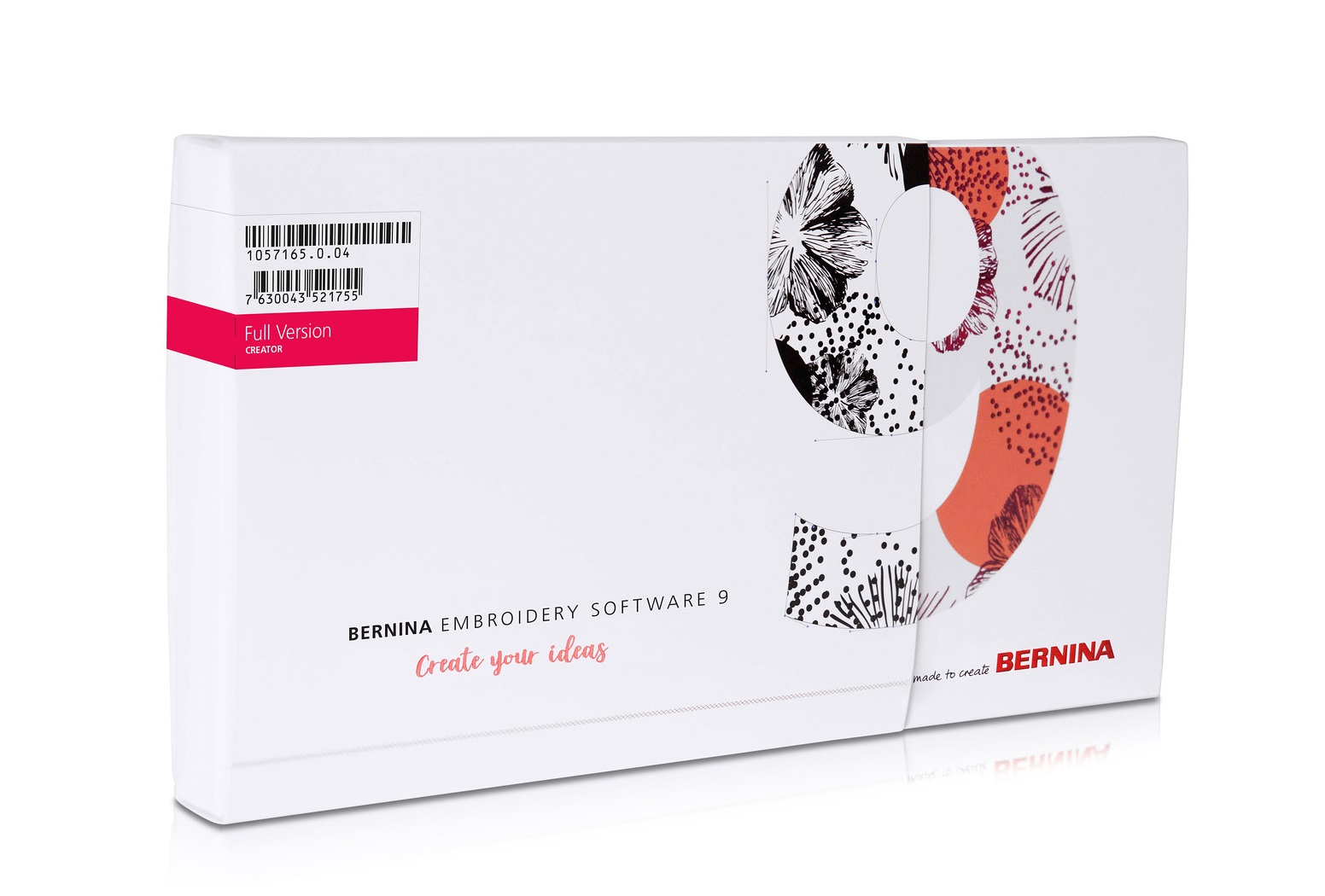

Embroidery software įranga BERNINA Embroidery Software 9 (Creator)
Equipment Type: Software designed for embroidery
Brand: Bernina


Embroidery software įranga BERNINA Embroidery Software 9 (Creator)
Attention: This product does not include the WiFi accessory in the package, which makes it more affordable.
Software 9 Creator – your embroidery journey begins
This product does not have an integrated CorelDraw interface, which is why it’s significantly less expensive than the Full version
Clear interface and improved features
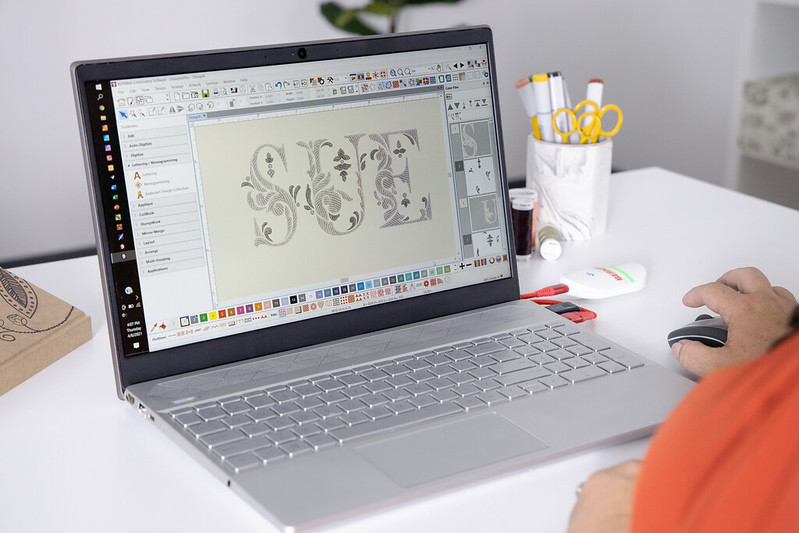
All the incredible software features are easy to use and navigate with the user-friendly interface. The menu is intuitive and easy to manage. You have the choice between small or large icons for a perfect view and the tool names and functions can be displayed if desired. Open more than one design at a time and easily switch between designs. |
 |
Easy installation
Installing BERNINA Embroidery Software 9 has never been easier or more flexible thanks to the improved installation process. In a snap, the software is installed on your computer. Plus, you can use the software on multiple computers just by signing in and out.
|
 |
Neat and smart home screen
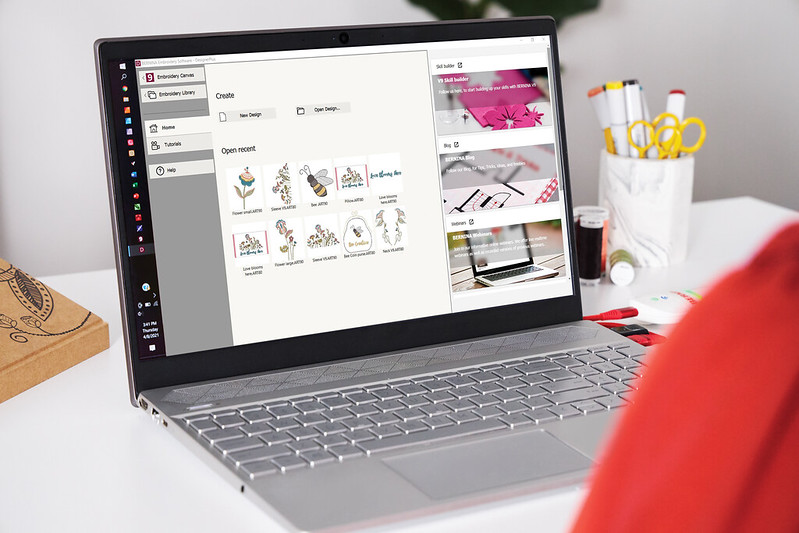
Upon opening BERNINA Embroidery Software 9 you will notice an informative and interactive home screen that offers links to tutorials, new projects and resources. |
 |
One-of-a-kind appliqués
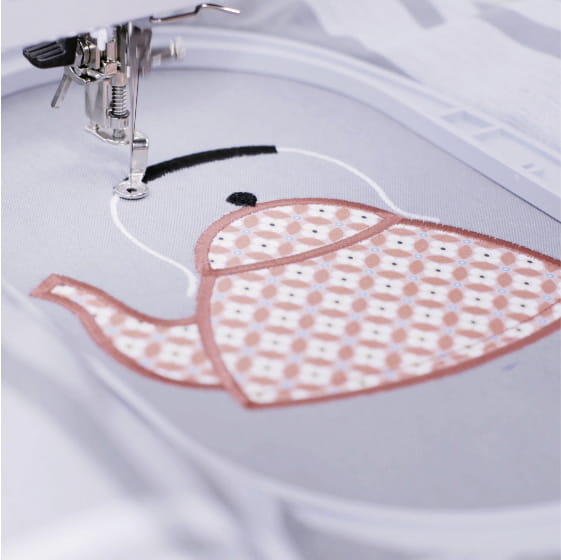
Enjoy the extended tools to create appliqué and convert any shape into an appliqué design with just one click. Even creating appliqué with holes inside is now possible with ease. Want to cut the fabric with the CutWork tool or a cutting machine?
|
 |
Customize anything you want
Alter an embroidery design according to your desires and without limits. The Full Editing feature offers the new Branching and Weld tools. With the Branching tool you don’t have to think about the most efficient stitching sequence and connectors as this function does it for you. Digitizers often want to combine or weld objects into a single object which is easy with the new Weld tool. |
 |
Your favorite image as embroidery design
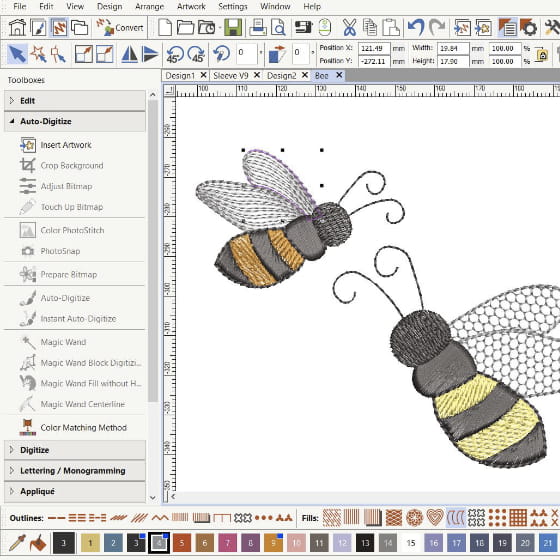
Take artwork and turn it into an embroidery design – all done by using the powerful, updated Auto-Digitizing and Manual Digitizing tools. In just a few clicks your artwork is ready to stitch. With Manual Digitizing you can create your embroidery design from a sketch and digitize it manually. This allows even more flexibility right from the beginning, as when using stitch settings and effects. |
 |
System Requirements – Recommended
CPU: Intel® Core i5/7 processor or AMD Ryzen 5/7
Operating system: Microsoft® Windows® 10 (64-bit Edition) with latest Updates
Memory: 16 GB
Monitor: 1920 x 1080 screen resolution
USB port: Required for software installation, transfer of designs and configuration of WiFi Device
Sound card: Required for online video help
Internet connection: For product activation and registration
Try it now for 30 days at no cost
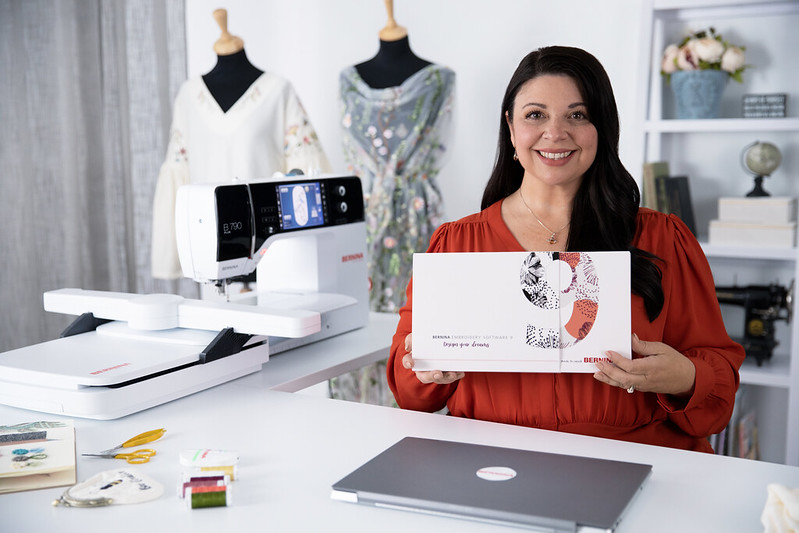
The proof of the pudding is in the eating: try it for yourself and discover the features of the BERNINA Embroidery Software 9. Download your fully functional trial version and digitize new creative designs. The software is compatible with all BERNINA embroidery machines.
 |
Main Features
| Feature | Bernina 9 Full | Creator 9 | Trial Version |
|---|---|---|---|
| Compatible with Windows 10/11 | Yes | Yes | Yes |
| Mac with Boot Camp and Windows 10/11 | Yes | Yes | Yes |
| NEW Main screen | Yes | Yes | Yes |
| NEW Online help guide | Yes | Yes | Yes |
| Automatic updates | Yes | Yes | Yes |
| CorelDRAW included (SE 2021) | Yes | No | No |
| Bernina Cross-Stitch program | Yes | No | Yes |
| Bernina Quilting Embroidery program | Yes | No | Yes |
| Built-in embroidery designs | 930 | 384 | 45 |
| NEW Easy sign-in/out on multiple computers | Yes | Yes | No |
| Multi-Hooping (splitting design into multiple hoops) | Yes | No | Yes |
| Embroidery library with search | Yes | Yes | Yes |
Lettering and Monograms
| Feature | Bernina 9 Full | Creator 9 | Trial Version |
|---|---|---|---|
| Built-in embroidery fonts | 104 | 60 | 11 |
| NEW Keyboard design collection fonts | 5 | No | No |
| 3D fonts (Puffy) | Yes | Yes | Yes |
| TrueType and OpenType font support | Yes | Yes | Yes |
| Single-letter editing (size, shape, color) | Yes | Yes | Yes |
| Initial letter options / shapes | 6 | 6 | 6 |
| Automatic kerning | Yes | Yes | Yes |
| NEW Create your own font | Yes | No | Yes |
| NEW Recent fonts display | Yes | Yes | Yes |
| NEW Size recommendation | Yes | Yes | Yes |
| Monogram templates (1–3 letters) | Yes | Yes | Yes |
Editing
| Feature | Bernina 9 Full | Creator 9 | Trial Version |
|---|---|---|---|
| Edit, combine, scale designs | Yes | Yes | Yes |
| Modify design and object shapes | Yes | Yes | Yes |
| Separate objects and letters | Yes | Yes | Yes |
| Mirror merge button | Yes | Yes | Yes |
| Crown and kaleidoscope functions | Yes | Yes | Yes |
| Array and reflection functions | Yes | Yes | Yes |
| Add/fill holes | Yes | Yes | Yes |
| Knife tool | Yes | Yes | Yes |
| NEW Weld tool | Yes | Yes | Yes |
Stitches, Effects & 3D Techniques
| Feature | Bernina 9 Full | Creator 9 | Trial Version |
|---|---|---|---|
| Basic fill types | 32 | 32 | 32 |
| Special fill types | 892 | 562 | 892 |
| Basic outline styles | 9 | 9 | 9 |
| Decorative outline styles | 700 | No | 700 |
| Editable pattern fills | Yes | Yes | Yes |
| Create pattern fills | Yes | No | Yes |
| Loop designs | Yes | Yes | Yes |
| Template patterns from Bernina machines | Yes | No | Yes |
| Contour and compensation effects | Yes | Yes | Yes |
| Carving effect | Yes | No | Yes |
| Stamp effect | Yes | No | Yes |
| Color blending | Yes | No | Yes |
| Gradient fill effect | Yes | No | Yes |
| Textured edge effect | Yes | Yes | Yes |
| Wave effect | Yes | No | Yes |
| Star stitch effect | Yes | No | Yes |
| Quilt base (5 types) | Yes | No | Yes |
| Morphing effect | Yes | Yes | Yes |
| Elastic decorative fill | Yes | No | Yes |
| 3D globe effect | Yes | No | Yes |
| Trapunto effect | Yes | No | Yes |
| PunchWork (requires separate device) | Yes | No | Yes |
| Couching | Yes | No | Yes |
| CutWork | Yes | Yes | Yes |
| 3D StampWork | Yes | No | Yes |
| NEW Create appliqué (with/without holes) | Yes | Yes | Yes |
| NEW Combine appliqués | Yes | No | Yes |
| NEW Convert to appliqué | Yes | Yes | Yes |
| NEW Export cutting files (svg, exp) | Yes | Yes | Yes |
Artwork Design
| Feature | Bernina 9 Full | Creator 9 | Trial Version |
|---|---|---|---|
| Built-in designs | 497 | 172 | 24 |
| Supported graphic formats | Yes | Yes | No |
| Quick Trace function | Yes | No | No |
| Artistic brush strokes | Yes | No | No |
| NEW Content merging | Yes | No | No |
| NEW Point merging | Yes | No | No |
| NEW Image effect | Yes | No | No |
Digitizing
| Feature | Bernina 9 Full | Creator 9 | Trial Version |
|---|---|---|---|
| Auto digitizing tool | Yes | Yes | Yes |
| Instant auto-conversion | Yes | Yes | Yes |
| Magic Wand tool | Yes | Yes | Yes |
| Photo Snap tool | Yes | Yes | Yes |
| Color PhotoStitch (photo conversion) | Yes | Yes | Yes |
| Freehand embroidery tools | Yes | No | Yes |
| Manual digitizing tools | Yes | Yes | Yes |
| Shape tools (ellipse, rectangle) | Yes | Yes | Yes |
Design Transfer
| Feature | Bernina 9 Full | Creator 9 | Trial Version |
|---|---|---|---|
| Direct machine connection via ADX | Yes | Yes | Yes |
| USB data transfer | Yes | Yes | Yes |
| NEW WiFi connection (via Bernina WiFi device) | Yes | Yes | Yes |
| NEW Bernina WiFi device included | Yes | No | No |
| Open/save in various embroidery formats | Yes | Yes | Yes |
| Save design previews | Yes | Yes | Yes |
| NEW Separate folders for designs, machine & cutting | Yes | Yes | Yes |
| Printable worksheet with estimated machine time | Yes | Yes | Yes |